
Modern
Clean lines, restrained decoration, and warm materials can make a bedroom feel polished while remaining comfortable. It is useful when you want clarity without stripping away the soft details that make a sleeping space feel personal.
Start with your real bedroom
Upload a bedroom photo, choose a style, and generate a visual direction to explore before you make detailed renovation decisions. Start with the room you actually use, then use the concept to make your preferences more specific before you spend time comparing products or planning work.
Ready for your room
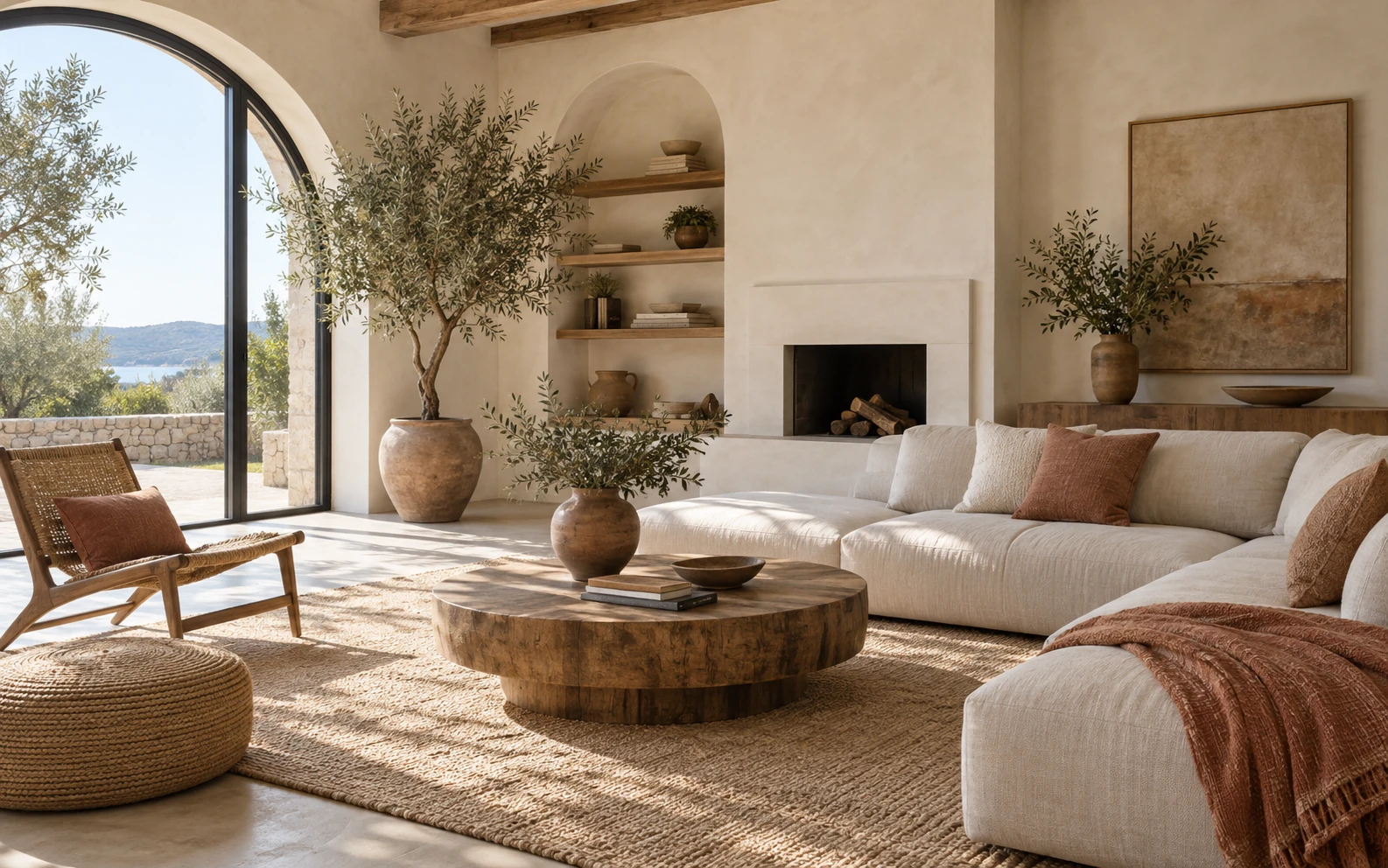
This is a style reference. Upload your own room photo to create a concept for your space.
Concepts are for inspiration. AI may change architectural details; check dimensions, safety, materials, and feasibility with a qualified professional. Room photos and results are automatically deleted from our storage after 30 days.
Use the room you have as a starting point, then compare one visual direction at a time. A single, focused concept is easier to evaluate than a long list of unrelated inspiration images because you can connect it to the windows, bed, light, and proportions you see every day.
Start with a bright, readable view of your actual bedroom. Furnished rooms and empty or unfinished rooms can both be used. You do not need to clear every object away: the goal is to show the space honestly enough to explore a direction that relates to it.
Bedroom is selected for this page. Choose Modern, Minimalist, Scandinavian, Japandi, or Industrial, then add a short instruction if it helps explain your preference. Describe a mood, color family, material, or feature you would like to explore instead of trying to specify a complete renovation in one prompt.
Sign in with Google to generate one concept, compare it with your original room, and download the result you want to keep within 30 days. Look for the parts you would keep as a direction, such as the atmosphere or relationship between textures, rather than treating every generated object as a recommendation to buy.
The photo is a visual starting point, not a measured plan. A useful view makes it easier to compare atmosphere and broad design direction. It also gives you a more grounded way to decide whether a style belongs in this bedroom instead of judging it only from a generic showroom image.
Use natural eye level and enough light to show the bed, floor, walls, windows, and doors that matter to your visual reference. Avoid extreme wide-angle distortion. If the room has a feature you want to discuss, such as a radiator, alcove, or built-in storage, include it when it is relevant to the overall view.
Upload JPEG, PNG, or WebP up to 10 MB, with both dimensions at least 512 pixels. A sharp photo with fewer visual distractions is easier to use as a starting point. Daytime light can help show edges and finishes, but the photo does not need professional styling or editing before you upload it.
Remove private documents and avoid photographing people without permission. Only upload images you have the right to use, and download results you want to keep. This keeps the conversation focused on the room and avoids including details that do not help you choose a visual direction.
Use a generated concept to identify what feels right for your bedroom, then validate any real-world decision separately. The most useful response is often not a full copy of the image; it is a short list of visual choices you can explain clearly to another person.
Compare warmer, cooler, calmer, or more contrasted moods before committing to paint, finishes, or soft furnishings. Notice whether the room still feels restful with the amount of contrast shown, and whether a color works with the daylight you already have rather than only with the generated lighting.
Explore how headboard treatment, wall color, artwork, or bedside lighting can change the visual center of the room. This can help you decide whether the bed should feel quiet and integrated or more deliberately framed, without assuming that the exact objects in the image will fit your wall or budget.
Use a concept to discuss daylight, bedside light, layered lamps, and the overall feeling you want at different times of day. Consider how you read, get dressed, wind down, and move through the room, then use those routines to separate a visual preference from a practical lighting requirement.
Compare bedding, curtains, rugs, and texture as a group, so you can describe the direction you prefer more clearly. A concept may show how a few quiet layers work together; use that relationship as a reference rather than assuming the image identifies an exact fabric, color code, or retailer.
Consider whether a style feels light, grounded, minimal, warm, or industrial. Do not treat the image as exact furniture placement or scale. If a piece catches your attention, ask what quality you like about it—height, material, silhouette, or visual weight—before deciding whether it belongs in the actual room.
Five available style directions
These are the five styles available in the tool. They are useful prompts for visual exploration, not fixed rules for your bedroom. You can use one as a starting point, then keep only the elements that make sense for your routine, existing furniture, and the character of the room.
Clean lines, restrained decoration, and warm materials can make a bedroom feel polished while remaining comfortable. It is useful when you want clarity without stripping away the soft details that make a sleeping space feel personal.
Open space, considered essentials, and subtle texture support a quieter room without making it feel cold. It can be a helpful direction when visual noise is making the bedroom feel less settled than you want.
Pale timber, practical furniture, daylight, and soft textiles suggest an easygoing bedroom for everyday use. Consider it when you want the room to feel bright and functional without relying on strong visual contrast.
Japanese simplicity and Scandinavian warmth meet through natural materials, quiet tones, and carefully selected objects. This direction can help you explore a more deliberate, uncluttered feeling while retaining warmth and texture.
Darker finishes, visible texture, steel details, and weathered wood create stronger visual contrast for a bedroom direction. Use it to test whether a bolder, more structured mood suits the room before changing finishes or furniture.
AI bedroom design is most useful early: explore options, compare preferences, and give a designer, contractor, or family member a clearer reference. It can shorten the first conversation because you can point to a feeling or combination of elements, then ask what is feasible in the real room.
Use concepts to talk about color, atmosphere, materials, and furniture character before you buy, build, or remove anything. Save the results that clarify a preference, then make a separate list of questions about dimensions, budget, durability, and installation for the people responsible for the work.
The AI uses your photo as a guide and may change beds, windows, doors, proportions, furniture, or other architectural details. Treat surprising changes as part of a visual exploration, not as evidence that an alteration is possible, permitted, safe, or desirable in your home.
Measure the room and have qualified professionals review structure, safety, materials, costs, code requirements, and construction feasibility. They can translate a visual preference into a practical plan, identify constraints the image cannot see, and confirm what should be specified before any work begins.
Practical details about using your photo, free credits, and the limits of a generated concept.
Upload a clear bedroom photo and generate a visual direction you can discuss, compare, and refine. Keep the results that clarify your taste, then use them as a reference while you verify practical choices for the real room with people who understand its constraints.